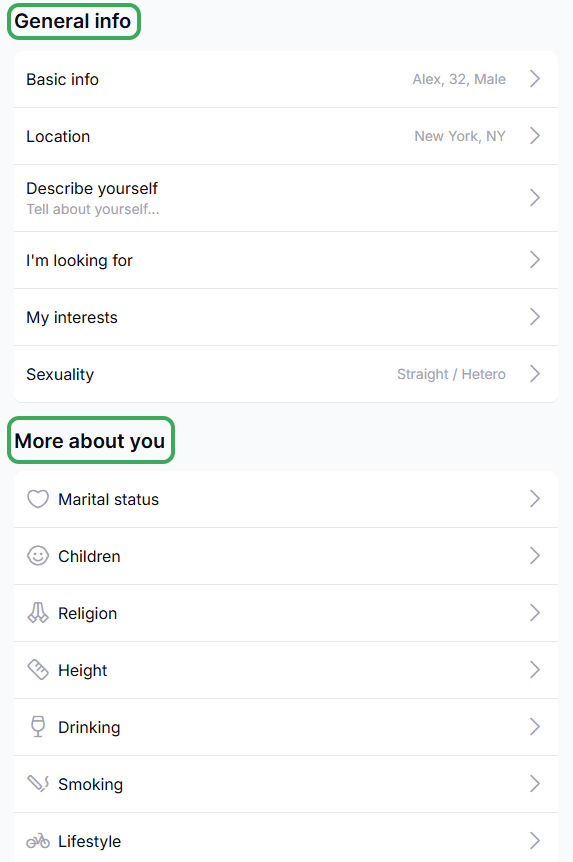
You can update your profile details, including "General info" and "More About You" section, in both web and app versions of Sequel.
Web version
Open your Profile from the bottom-left corner

Click the edit (pencil) icon in the top-right corner

Update your information, including "General info" and "More About You" fields, such as bio, preferences, and what you are looking for
App version
Open your Profile from the bottom-left corner
Tap the Edit Profile option next to your profile photo
Update your profile information
If you need any assistance, don't hesitate to get in touch with our Customer Support Team.
Was this article helpful?
That’s Great!
Thank you for your feedback
Sorry! We couldn't be helpful
Thank you for your feedback
Feedback sent
We appreciate your effort and will try to fix the article