Welcome to Sequel! Setting up your profile is the first step to writing your next great chapter. The registration process is quick, easy, and designed to help us find the best matches for you.
Here is exactly how to set up your account via app:
Part 1: The Basics
Open the Sequel app and tap Create account.

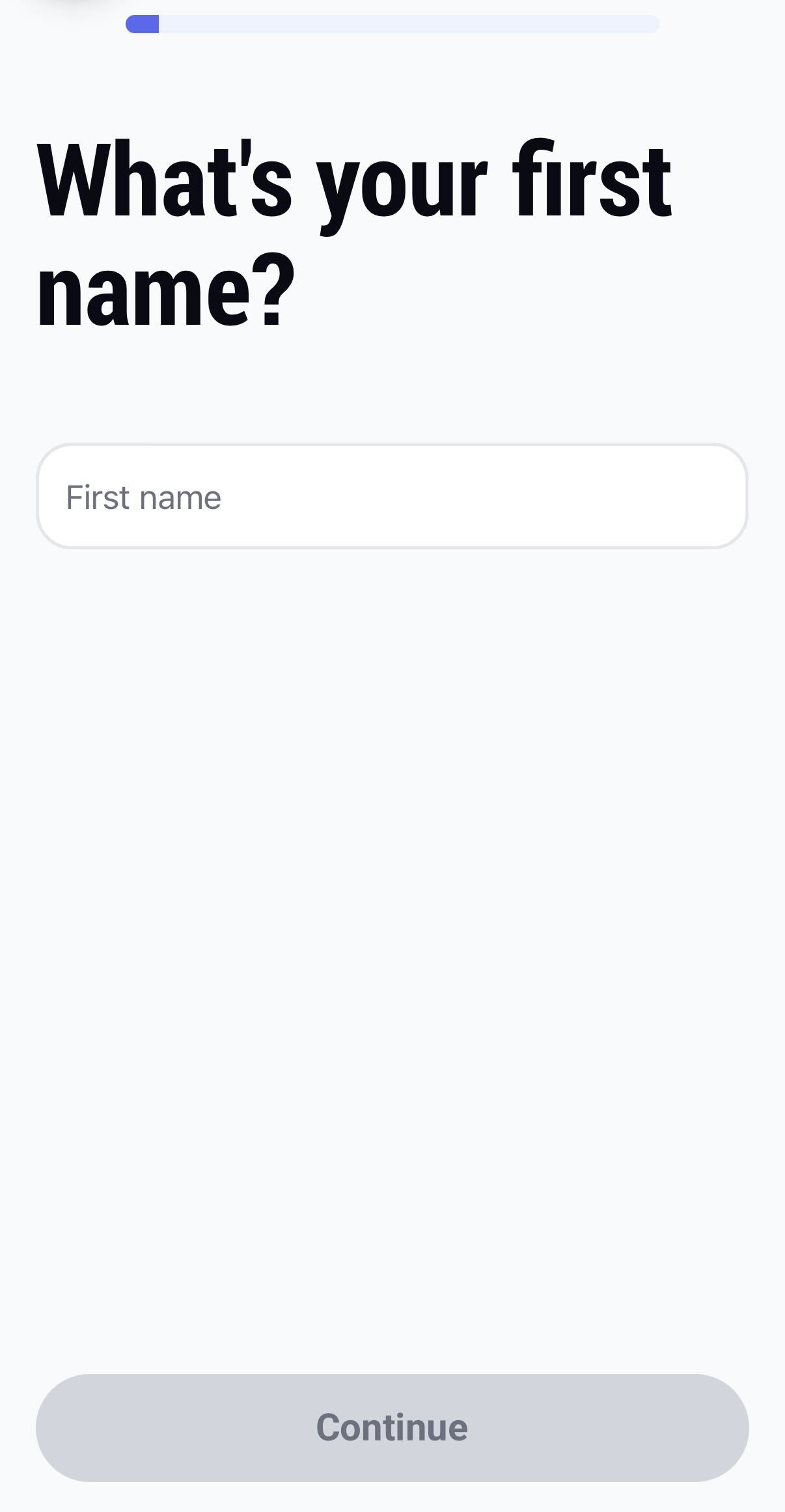
What's your first name? Enter your first name and tap Continue.
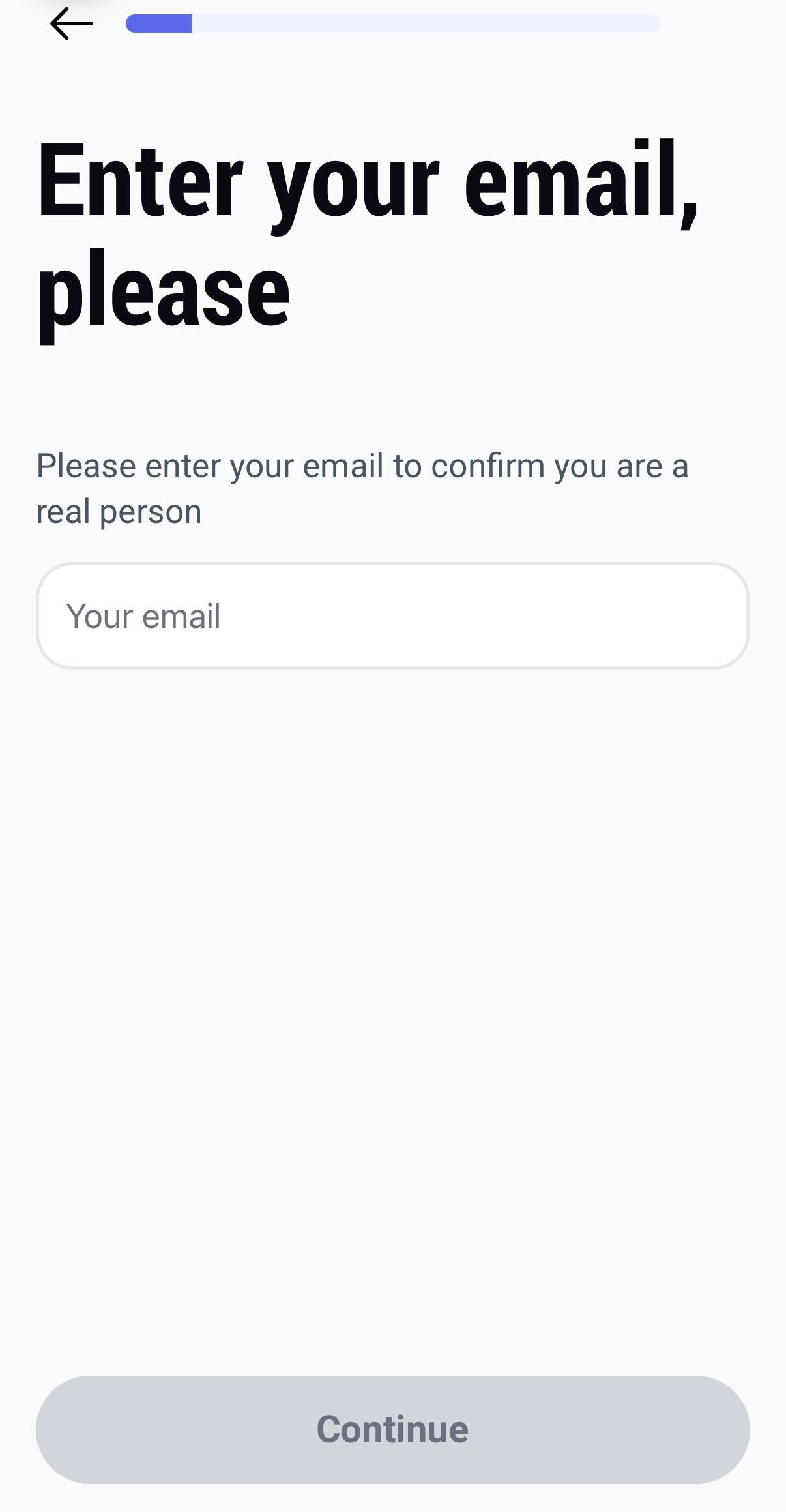
Enter your email.
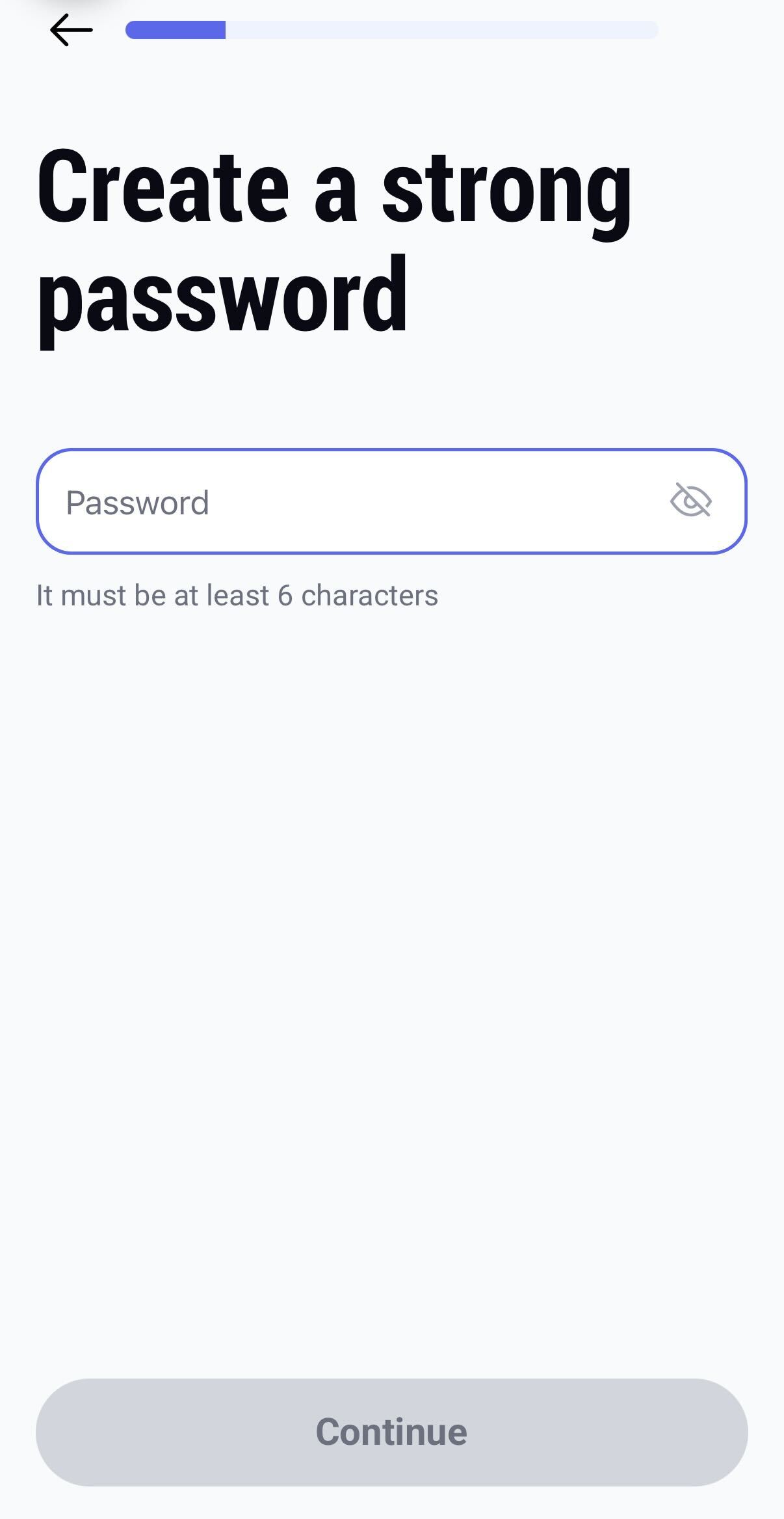
Create a strong password.
Part 2: Your Preferences After setting up your login details, you will see a welcome screen ("Help us write your next chapter"). Tap Continue to share your dating habits and preferences:

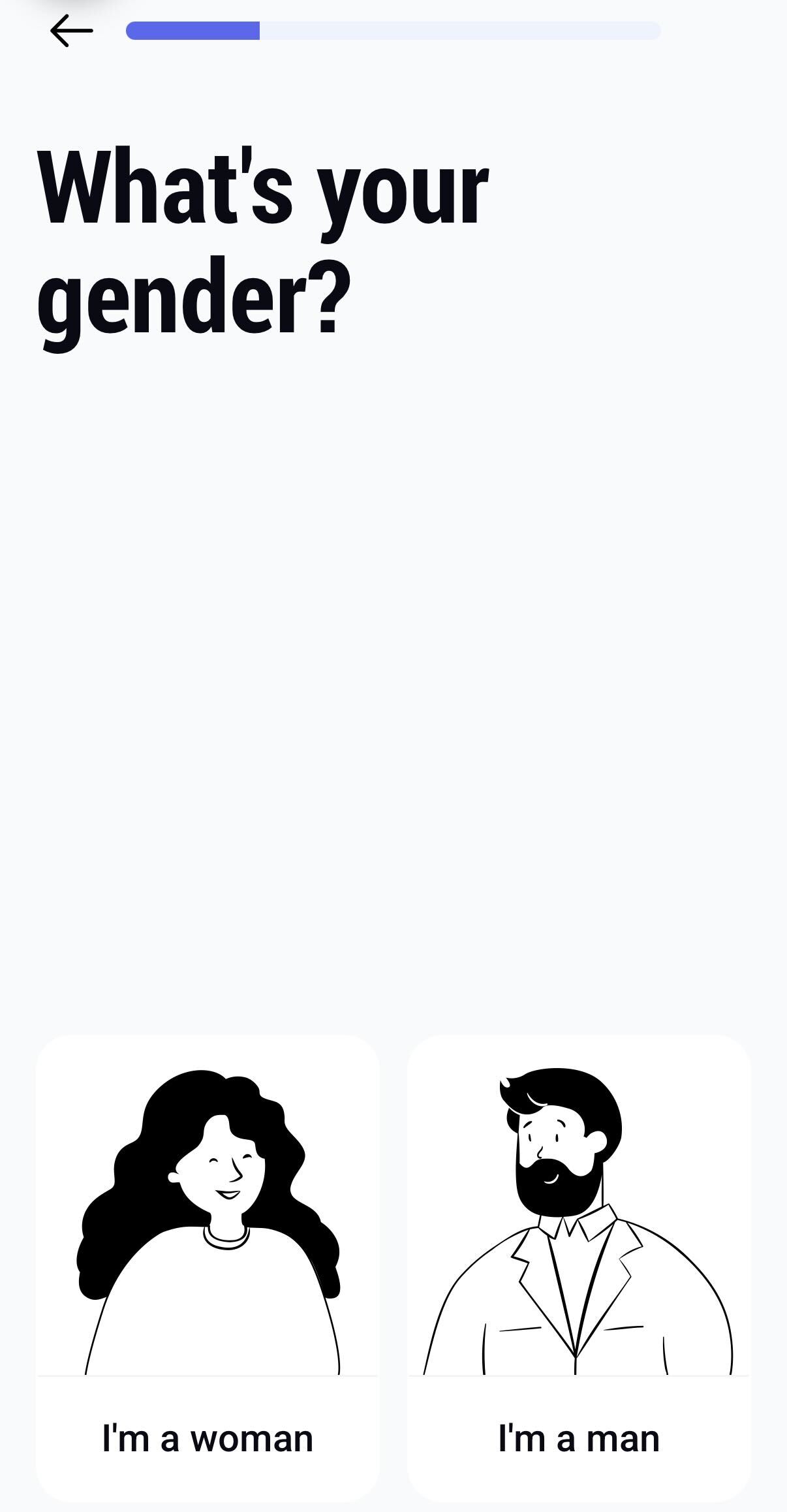
What's your gender? Select whether you are a woman or a man.
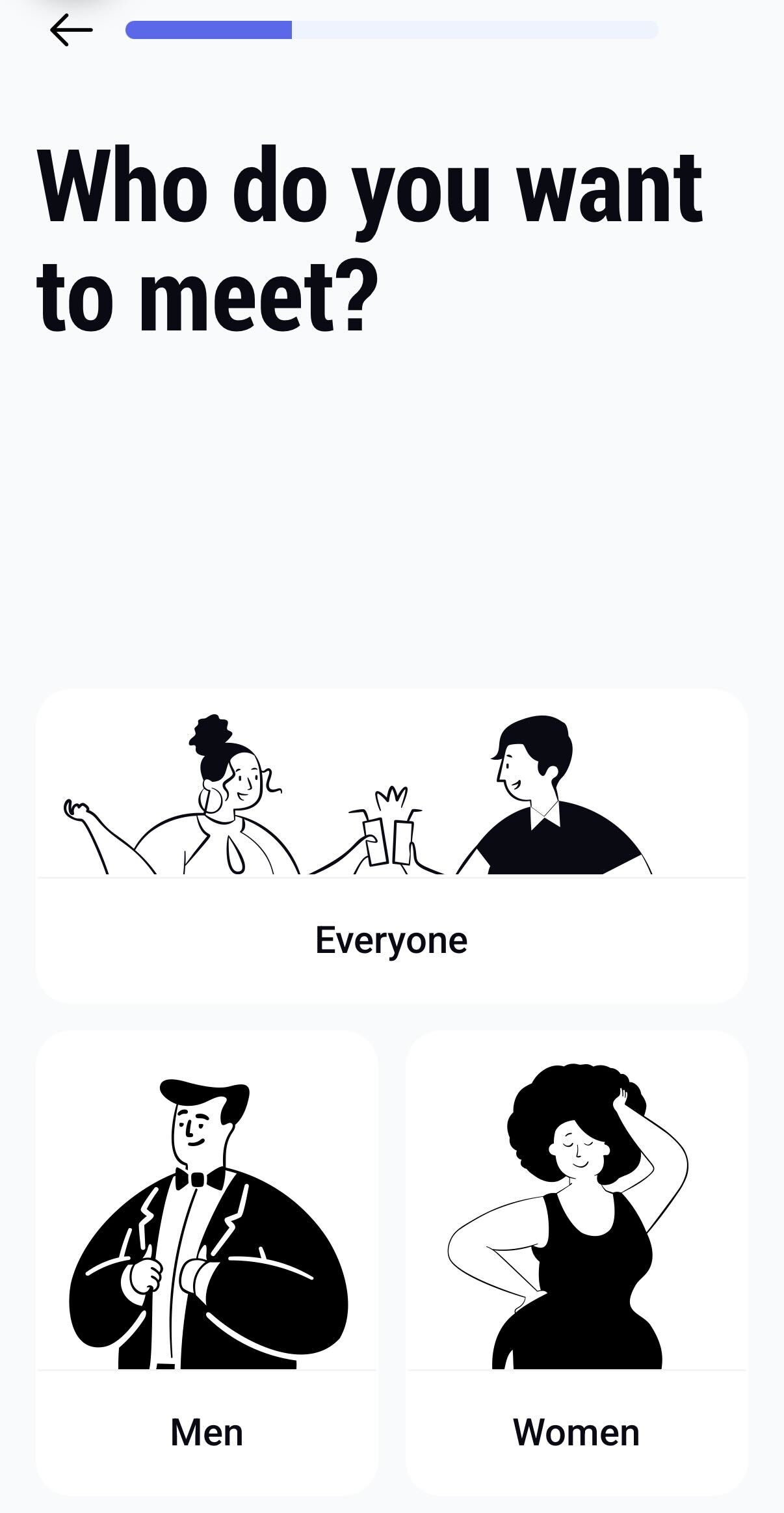
Who do you want to meet? Choose your preference: Everyone, Men, or Women.
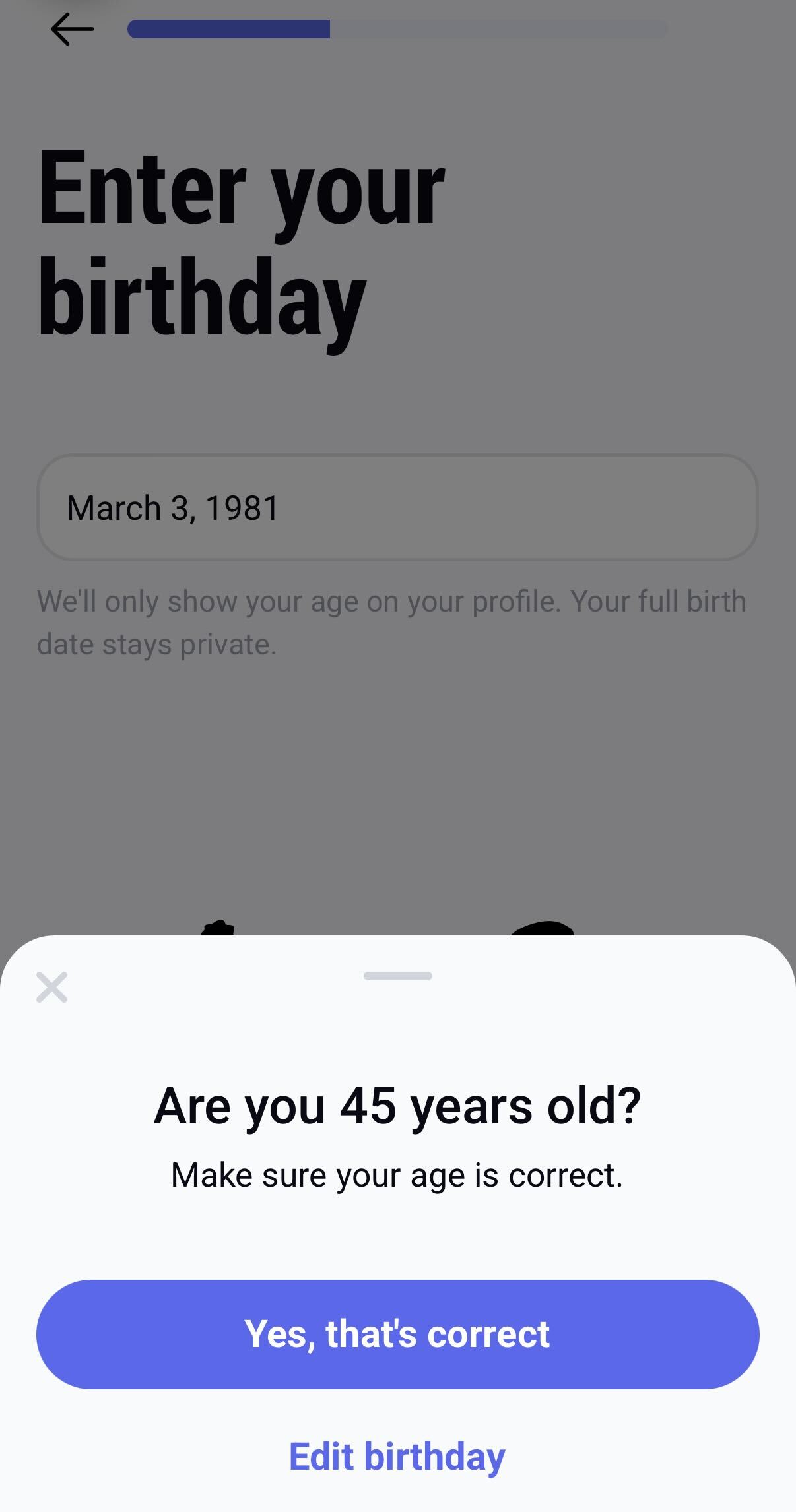
Enter your birthday. Use the scroll wheels to enter your exact date of birth. A pop-up will appear to confirm your current age. Tap Yes, that's correct to proceed.
Part 3: Profile Details & Final Steps To get the best matches, we recommend adding a few more details:
When you see the Insider Tip screen, tap the Boost my profile button. (Profiles with more details get significantly more likes!)

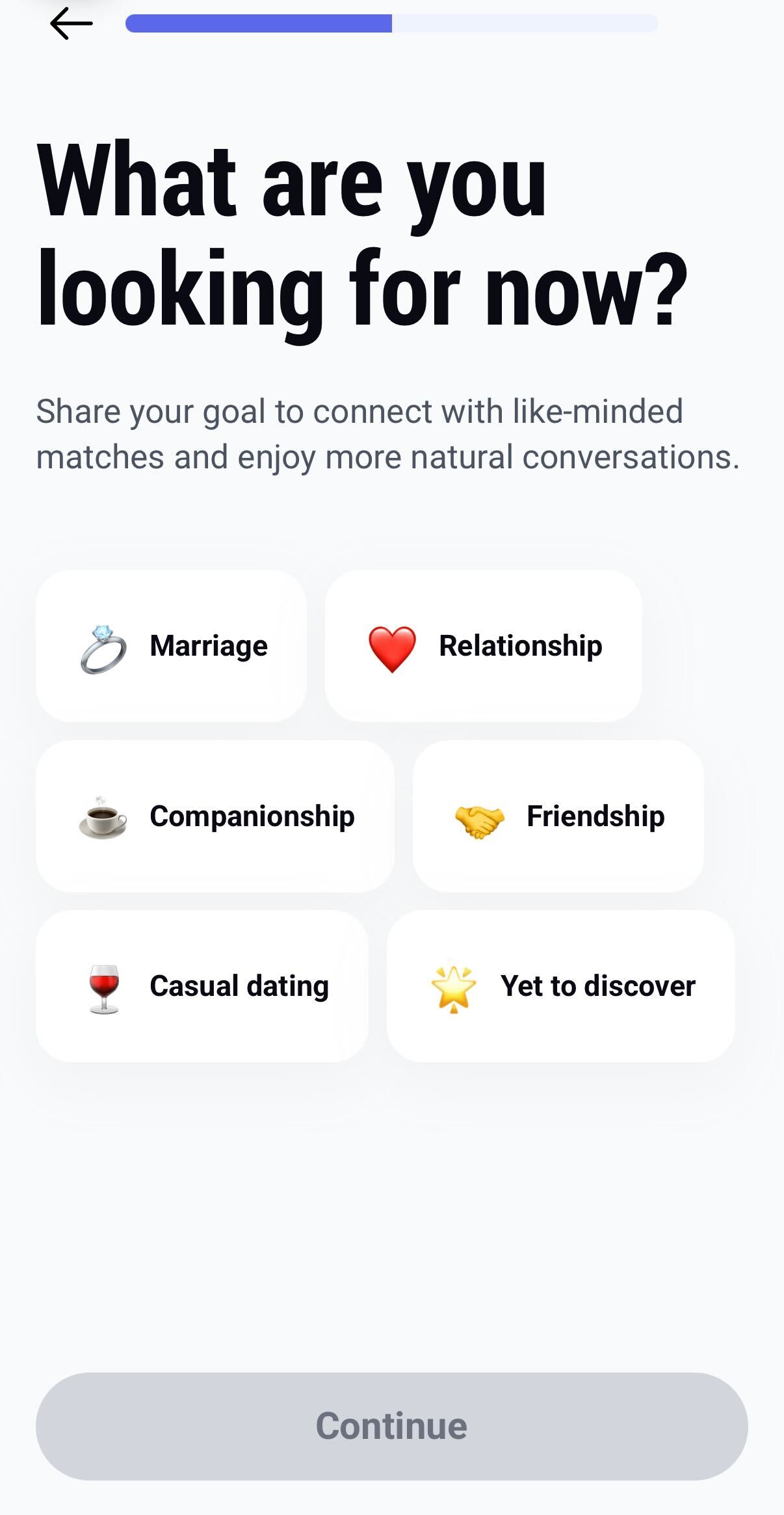
What are you looking for now? Choose the option that best describes your goal to connect with like-minded matches.
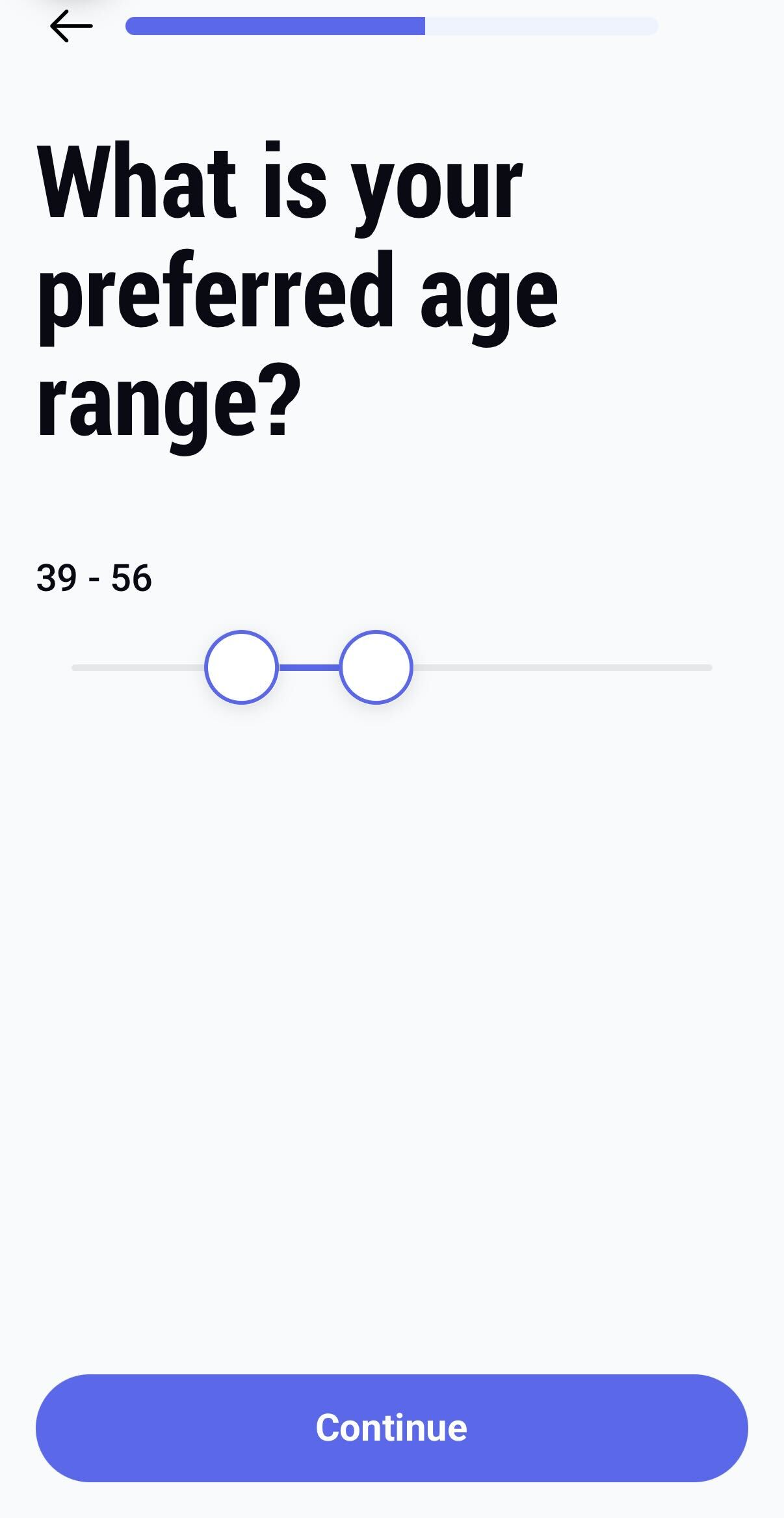
 3. What is your preferred age range? Use the slider to set the age range of the people you'd like to meet.
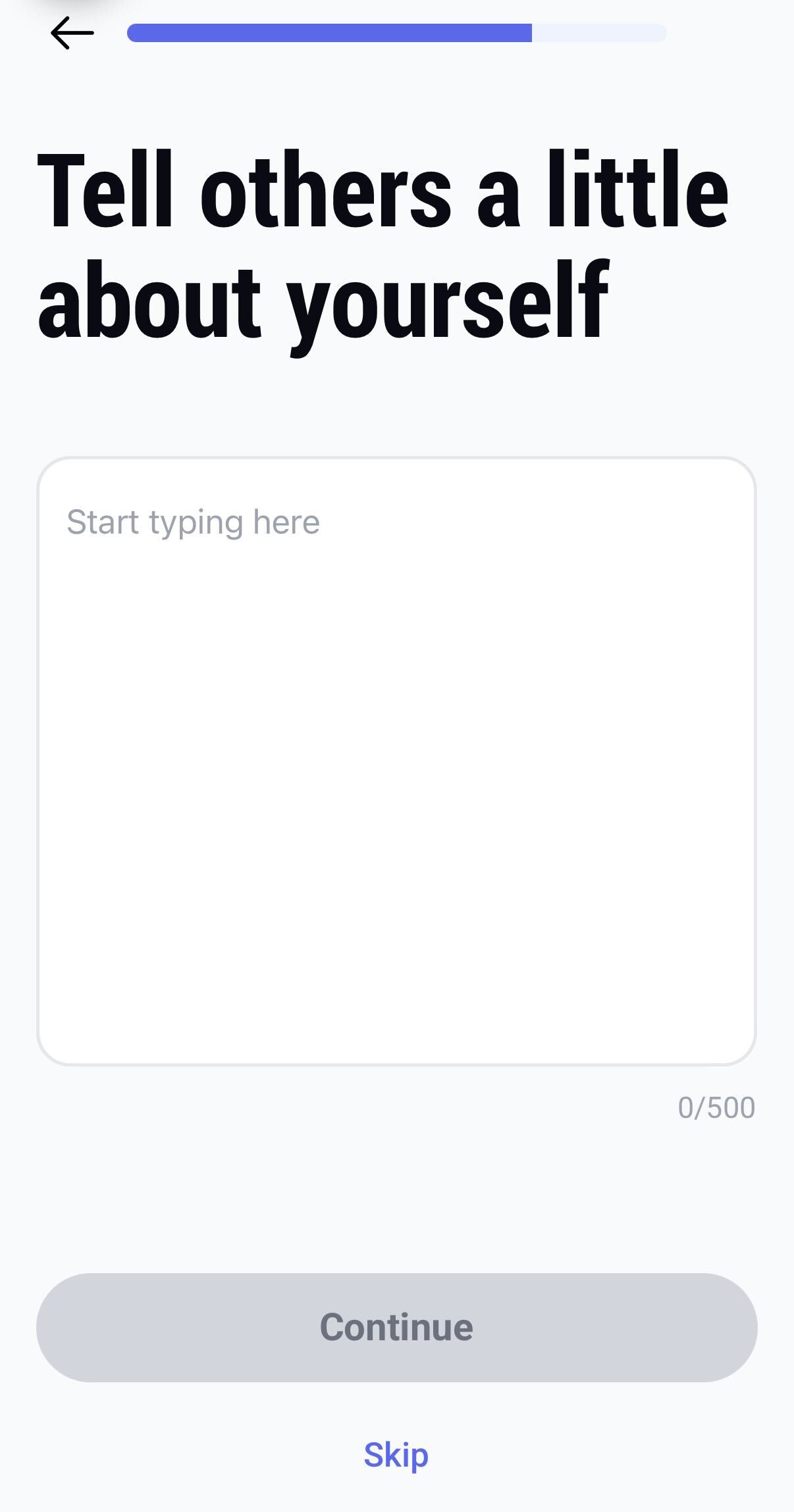
 4. Tell us about yourself. You can fill these out right away for better matches, or tap Skip to complete them later.
 5. Now, can we get your location? Tap Continue and allow the app to access your location. This is required so we can show you potential matches.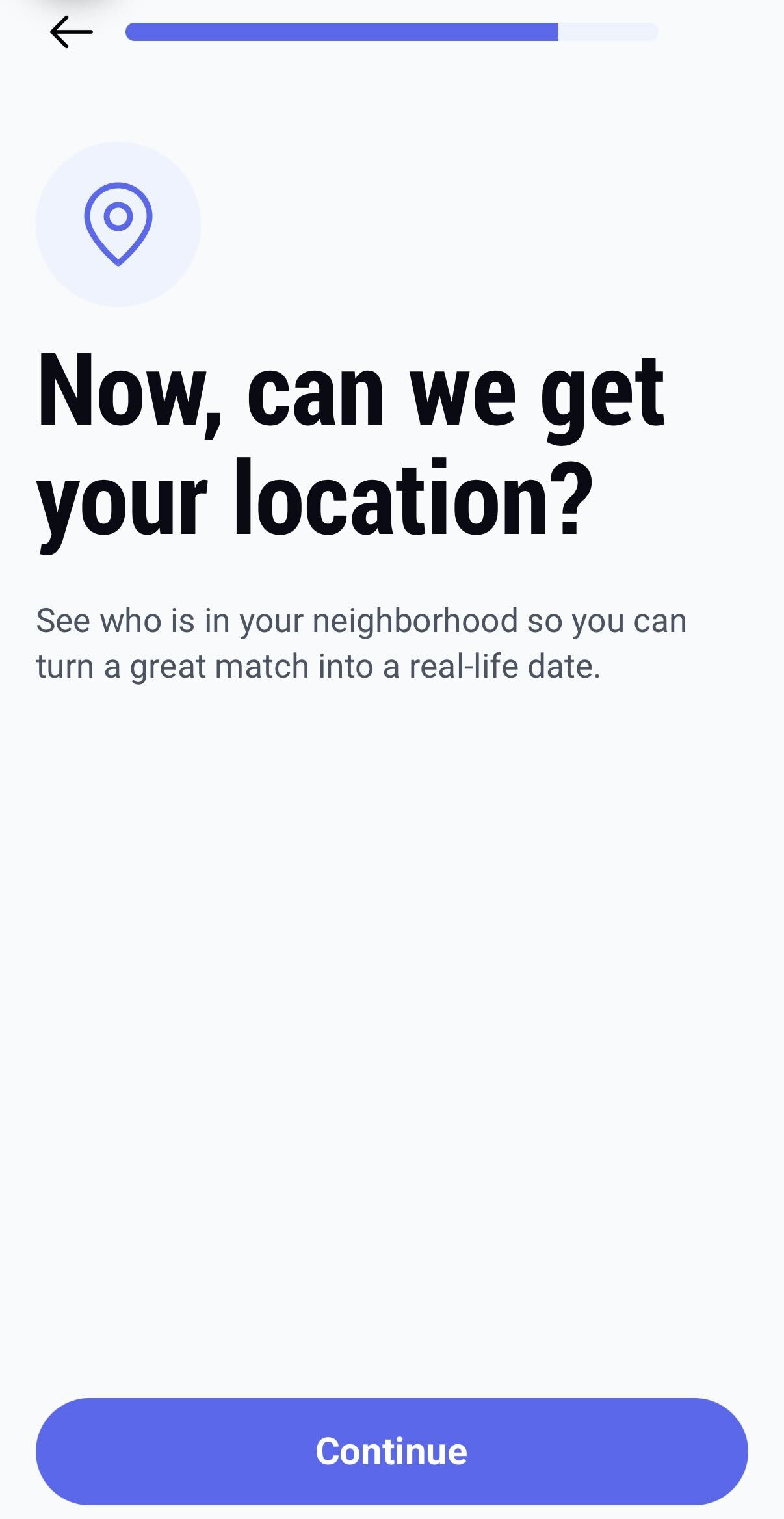
Once you complete these steps, you will be ready to upload your best photos and start exploring the Sequel community!
Was this article helpful?
That’s Great!
Thank you for your feedback
Sorry! We couldn't be helpful
Thank you for your feedback
Feedback sent
We appreciate your effort and will try to fix the article