Welcome to Sequel! We are thrilled to have you join our community. Creating your account on our site is quick, easy, and completely free.
Just follow these simple steps:
Go to our website at https://thesequelapp.com/.
Click the Sign Up button on the homepage.

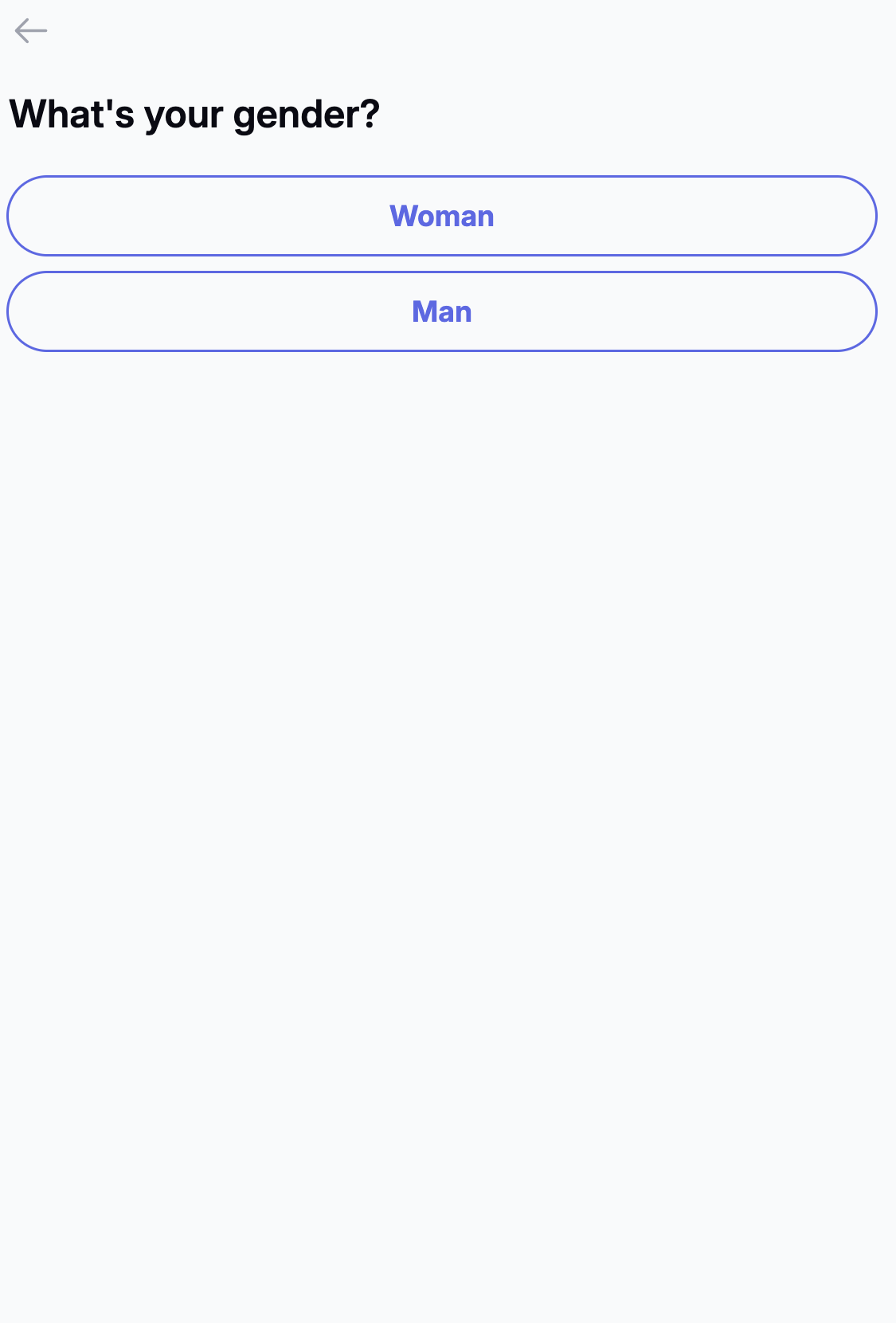
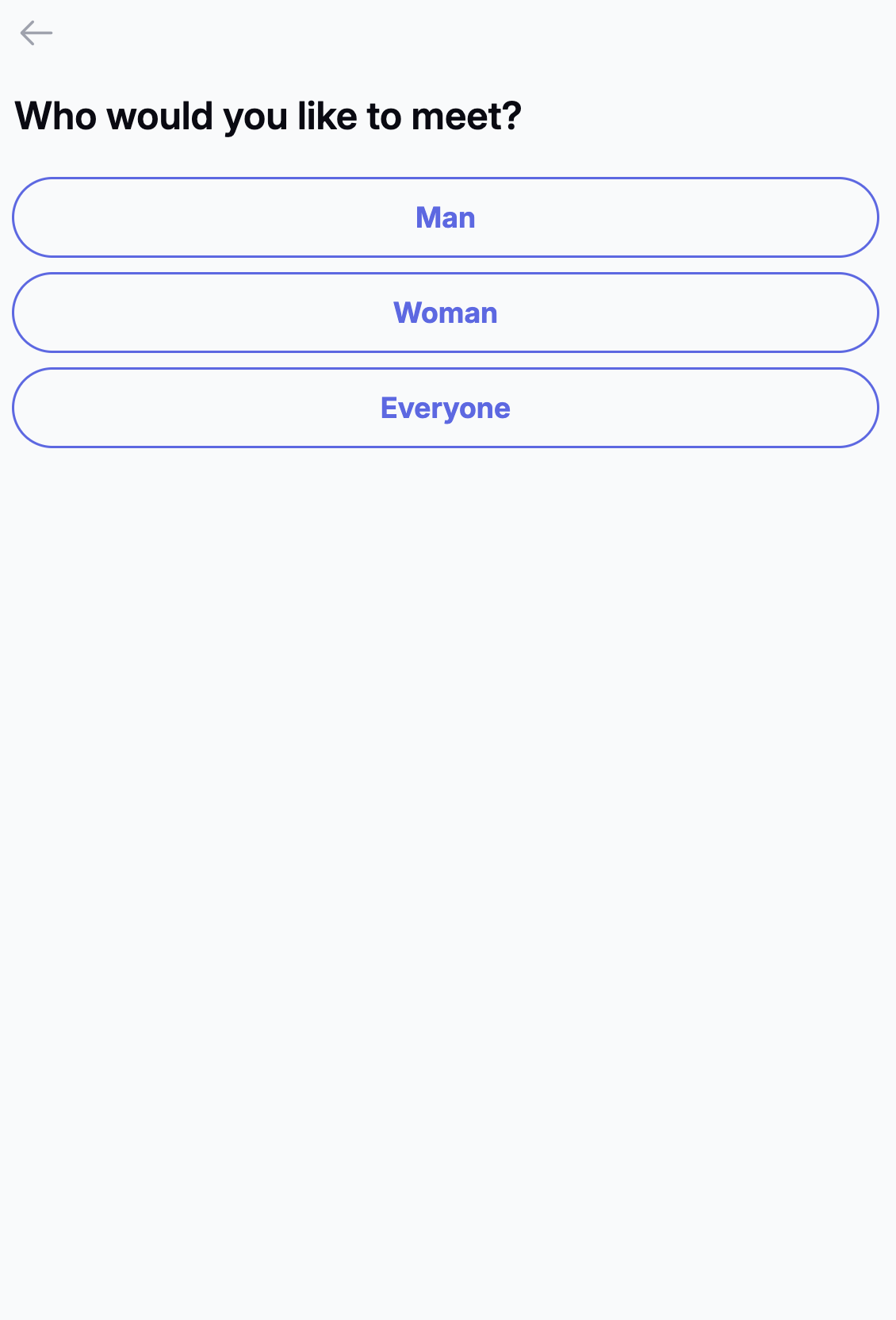
Firstly, choose your gender and then the gender you are interested in connecting with
Enter your Email address.
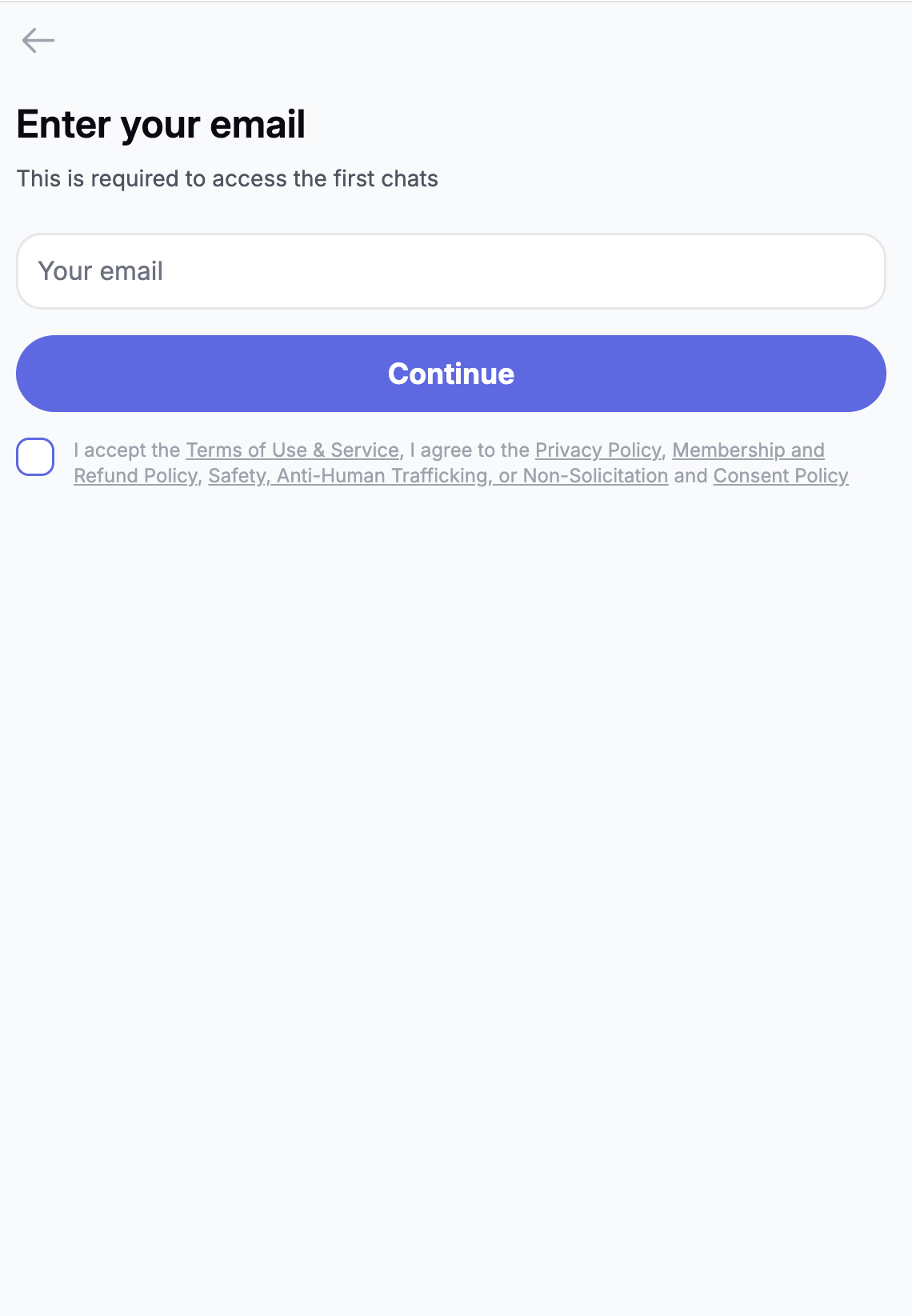
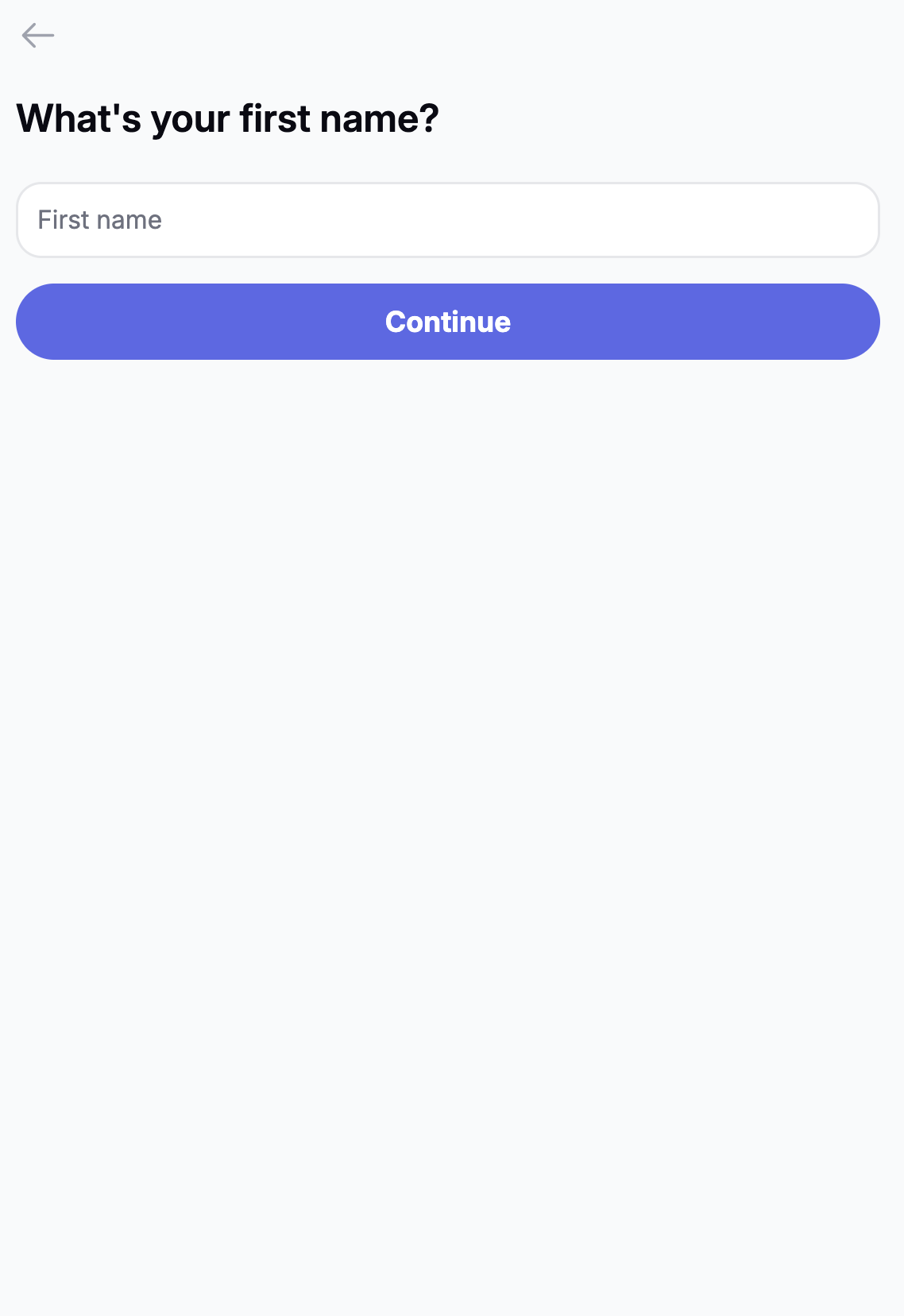
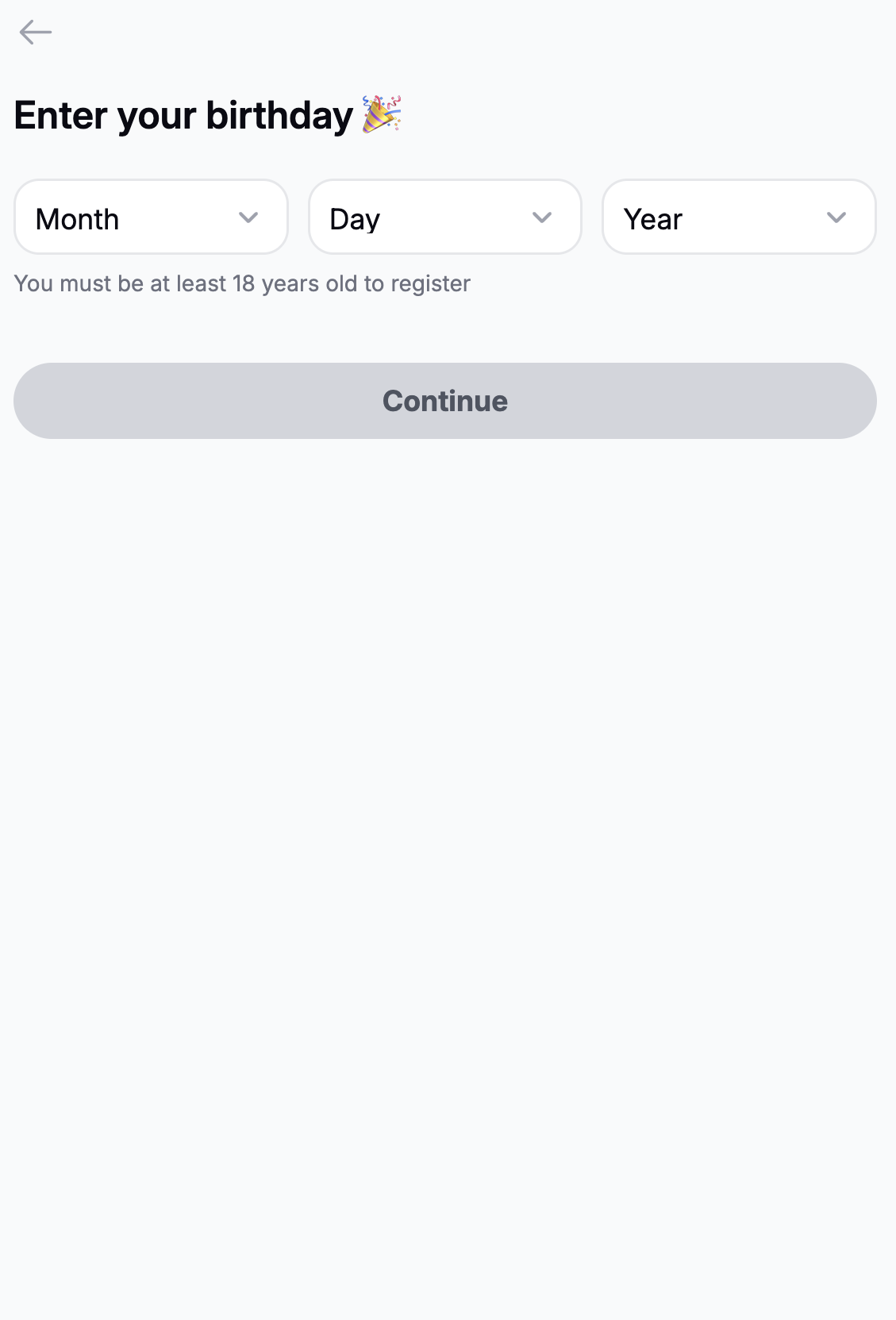
Follow the clear, on-screen instructions to build your profile. You will be asked to provide some basic details (like your name and birthdate).
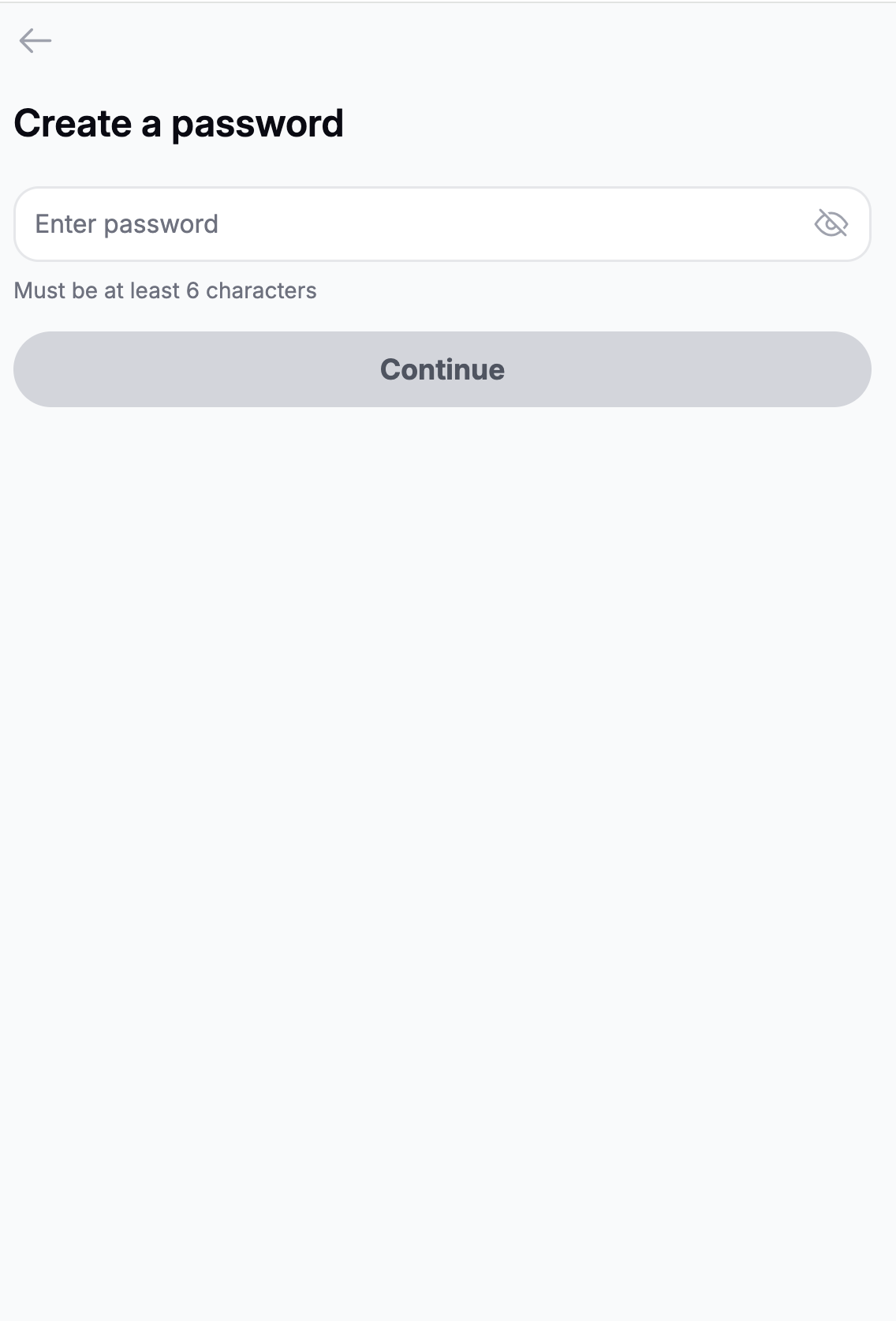
Then, choose a secure Password.
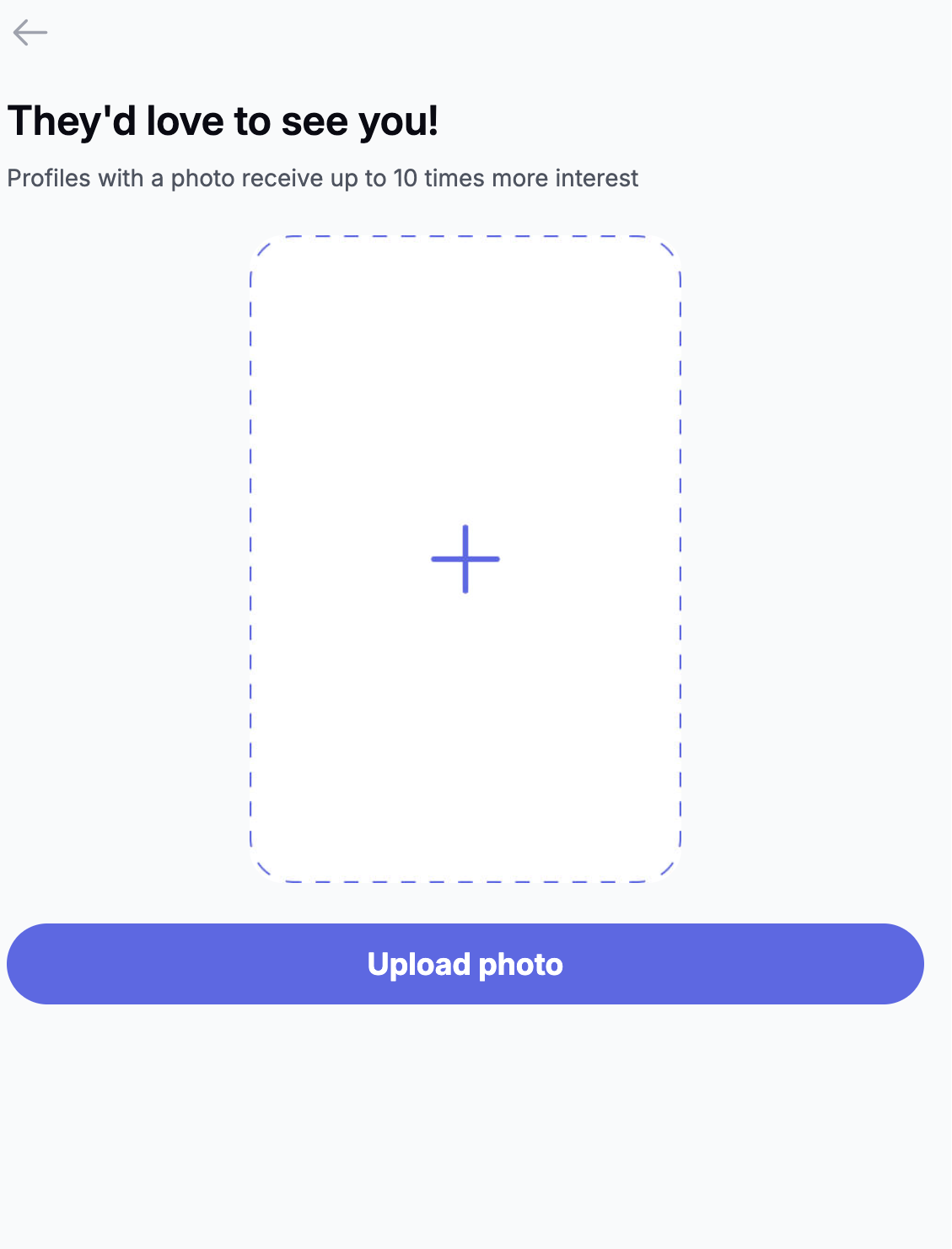
Upload your best photos! (Remember, real, clear and bright photos get the most attention).
Complete the setup and start discovering new connections!
If you experience any issues during the registration process, please contact our Support Team — we are always happy to assist you in setting up your new account.
Was this article helpful?
That’s Great!
Thank you for your feedback
Sorry! We couldn't be helpful
Thank you for your feedback
Feedback sent
We appreciate your effort and will try to fix the article