(Website)
To log in to your Sequel account, please follow these steps:
Open the Sequel Sign In page and click on Sign in button .

Enter your email address and password in the login fields.
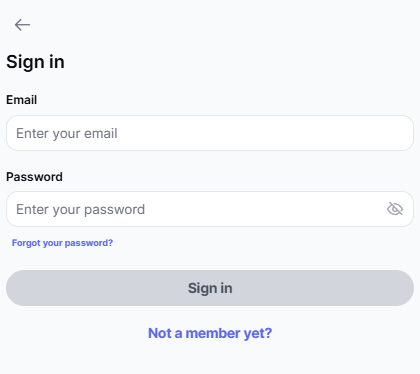
3. Click Sign In to access your account.
If you encounter any issues while signing in, please ensure:
Your email and password are entered correctly.
Your internet connection is stable.
You are using a supported browser (e.g., Chrome, Firefox, Safari).
(App IOS/Android)
Accessing your account from application is quick and easy. Just follow these steps:
Open the Sequel app on your device, tap the Sign in button at the bottom.

Enter the Email address and Password associated with your account.
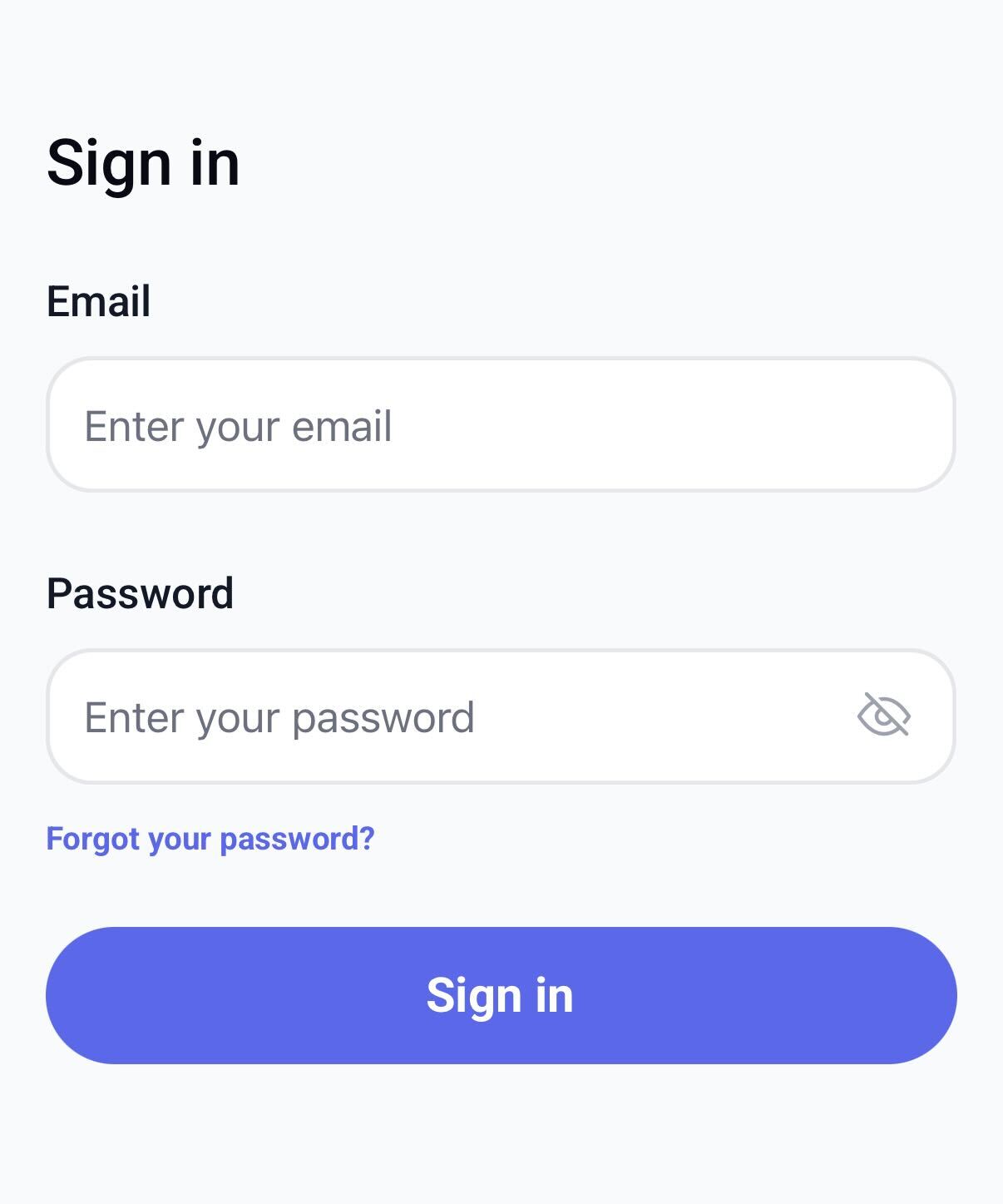
Tap the blue Sign in button to access your profile.
Still Need Help?
If you continue experiencing difficulties, don’t worry! Our Customer Support Team is always ready to help. You can reach us at support@thesequelapp.com for assistance.
Thank you for using Sequel!
Was this article helpful?
That’s Great!
Thank you for your feedback
Sorry! We couldn't be helpful
Thank you for your feedback
Feedback sent
We appreciate your effort and will try to fix the article