At Sequel, meaningful conversations start with mutual interest. To begin chatting with another user, both of you need to express interest in each other by exchanging likes: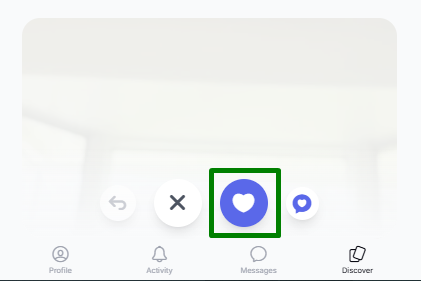
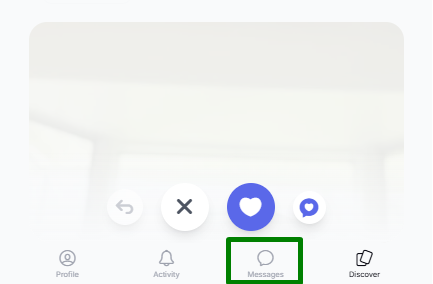
Once you have a mutual match, the messaging option will become available in the Messages section, where you can start a conversation:
If you would like to reach out to someone without waiting for a mutual like, you can use the Chat Request feature:
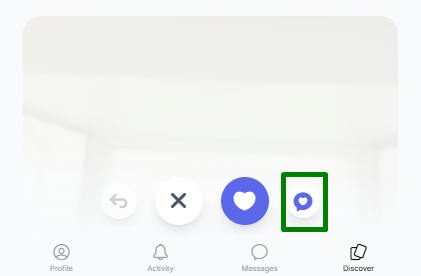
This option allows you to send an introductory message even if the other user has not liked your profile yet. To learn more about this feature, please see the article: Chat Request on Sequel. How does it work?
If you have any additional questions, feel free to contact our Customer Support Team.
Was this article helpful?
That’s Great!
Thank you for your feedback
Sorry! We couldn't be helpful
Thank you for your feedback
Feedback sent
We appreciate your effort and will try to fix the article