When Incognito Mode is enabled, your profile will no longer appear in the Discover section. However, you will still be able to message users you have already liked or previously chatted with.
Incognito Mode can be enabled in both the web and app versions of Sequel:
Web version
Open your Profile menu in the bottom-left corner

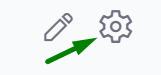
Tap Settings in the top-right corner
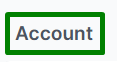
In the Account section, select Manage Account

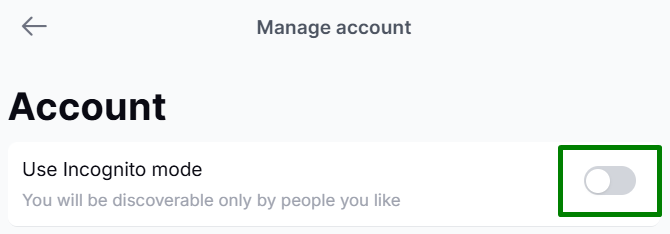
Enable Use Incognito Mode
App version
Open your Profile menu
Tap Settings in the top-right corner
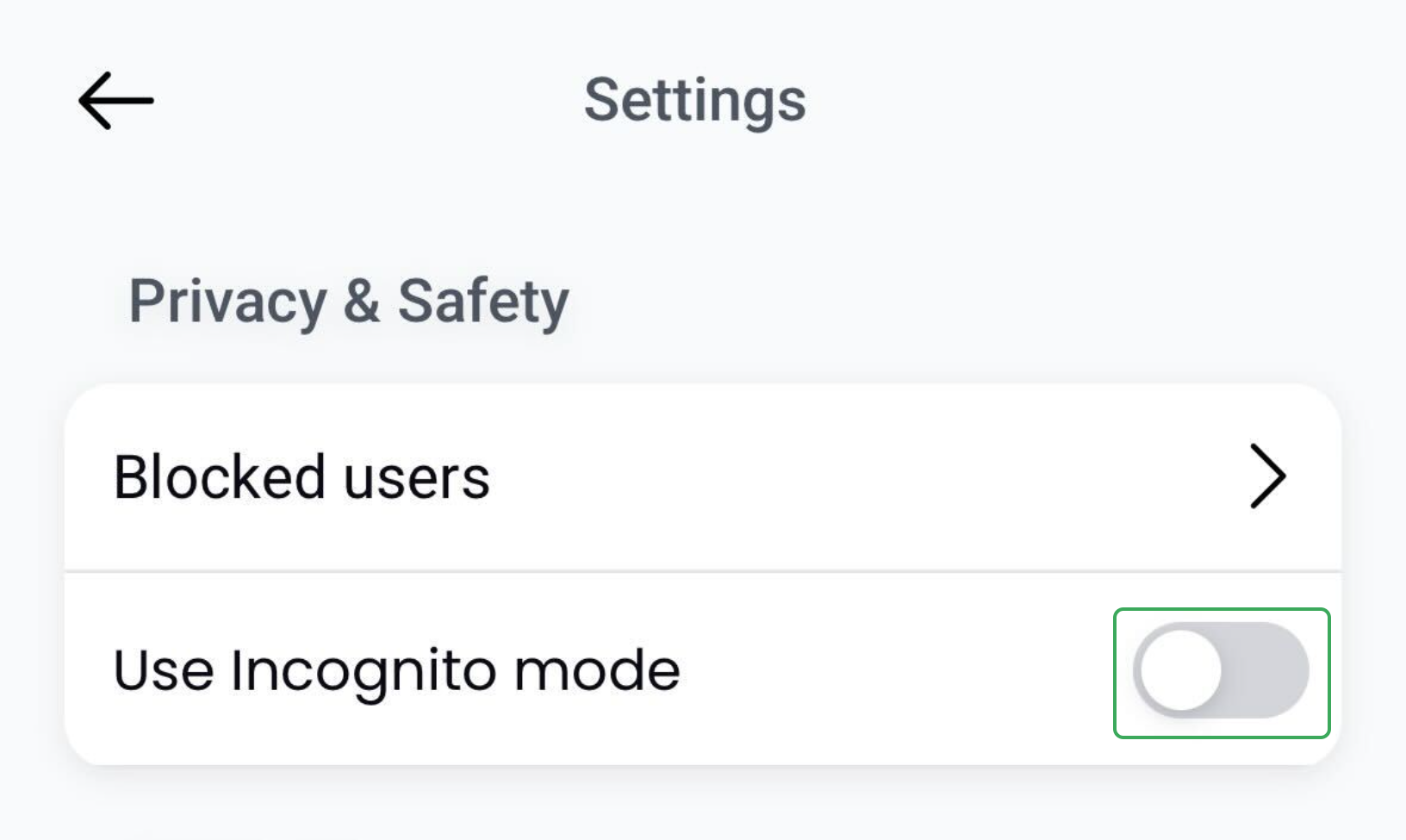
In the Privacy & Safety section at the top, toggle on Use Incognito Mode
If you need any assistance, please contact our Customer Support Team - we are happy to help.
Was this article helpful?
That’s Great!
Thank you for your feedback
Sorry! We couldn't be helpful
Thank you for your feedback
Feedback sent
We appreciate your effort and will try to fix the article